
Vendor Portal
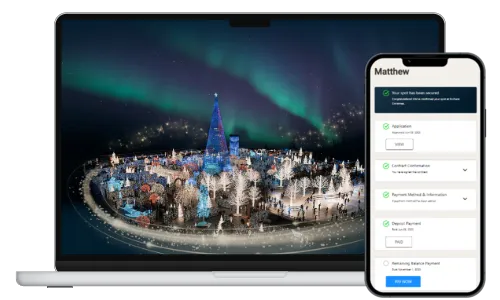
Vendor Portal is the Enchant Christmas operations platform for vendor applications across seasonal event locations. The team built the vendor-facing application flow, admin review dashboard, DocuSign-backed contract handling, online payments, notifications, reporting, CSV exports, configurable seasonal settings, broadcast messaging, chat, and contract-template tooling used by the Enchant operations team.
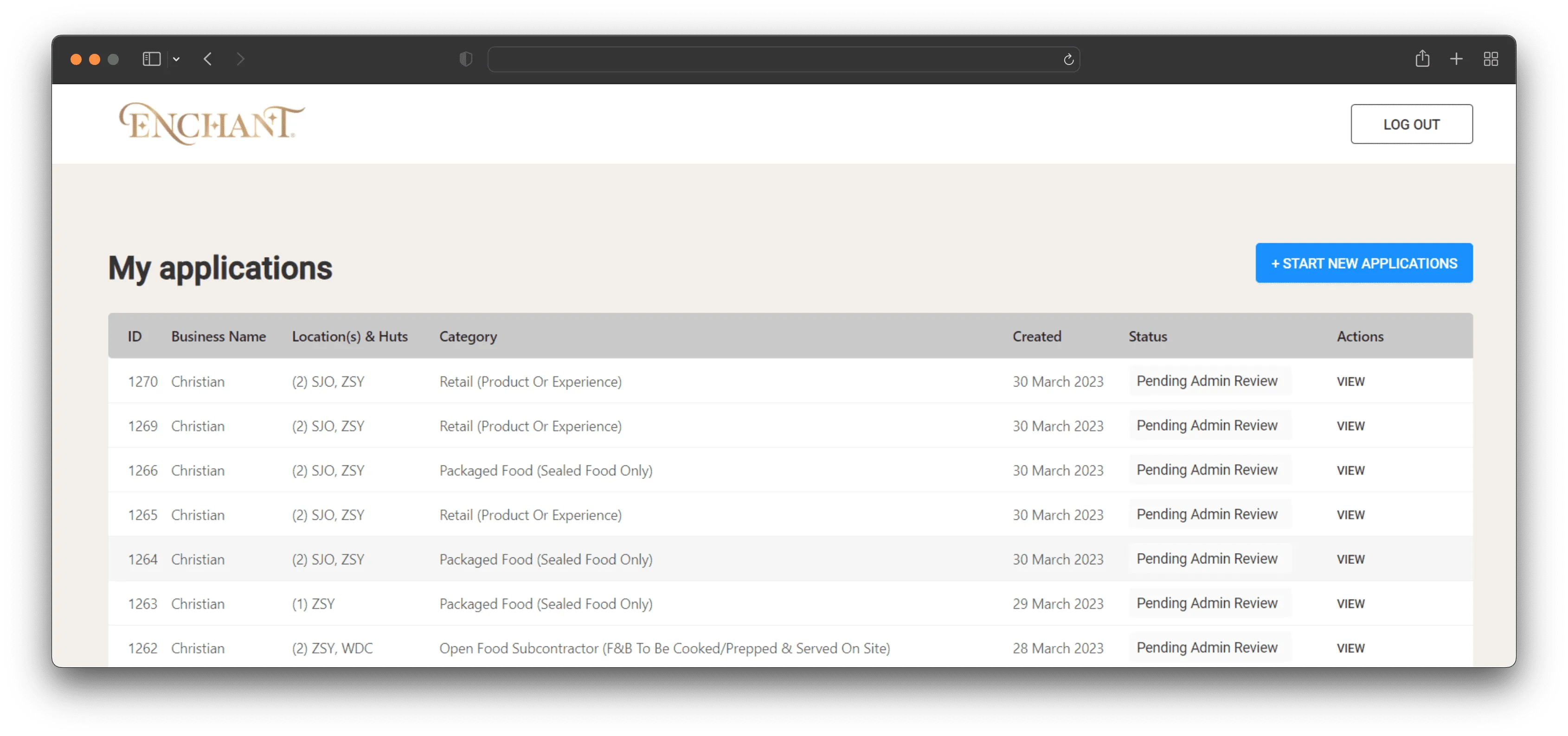
Vendor application workspace
The team built the vendor-facing workspace around application intake and follow-up. Vendors can start new applications, review submitted records, track the current status, and return to the portal for the next required step instead of coordinating the process through email alone.
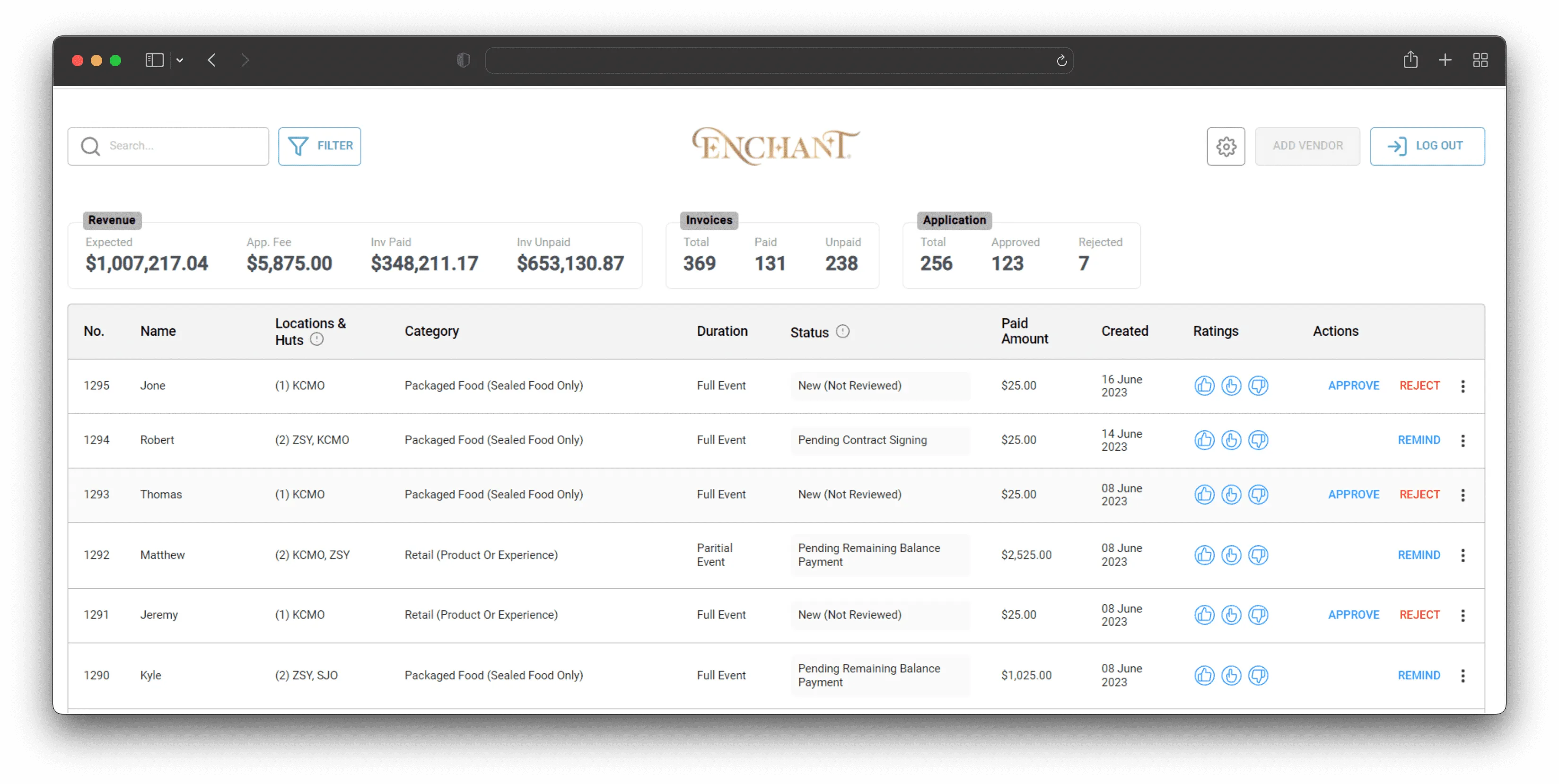
Admin review and operations
The admin dashboard gives Enchant operators a single place to review applications, filter vendors by city and category, approve or reject submissions, send reminders, and follow revenue, invoices, and application counts. Later releases added permissions, activity logs, rating actions, CSV exports, and seasonal configuration tools for payment periods, categories, locations, discounts, add-ons, and full-capacity controls.
Technologies
- Algolia

- Docker

- DocuSign

- Firebase

- ReactJS

- Redux

- Webpack

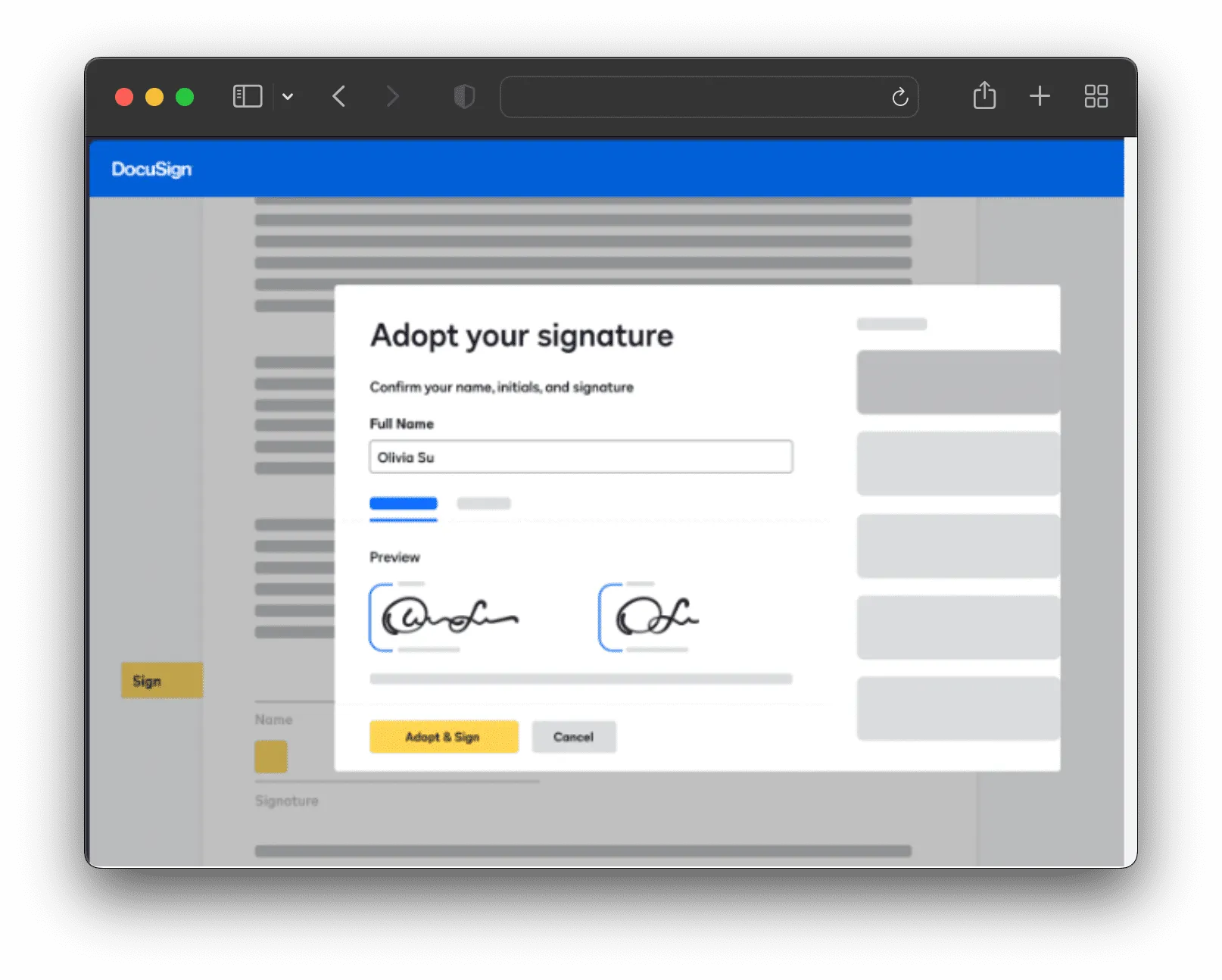
Contracts and signatures
The portal connects application records with DocuSign so vendors can receive, review, and sign contracts online. The contract workflow later expanded into configurable contract templates, preview pages, approve-and-send actions, download support, base and individual contract types, and multiple-contract flows for more complex vendor cases.
Communication with vendors
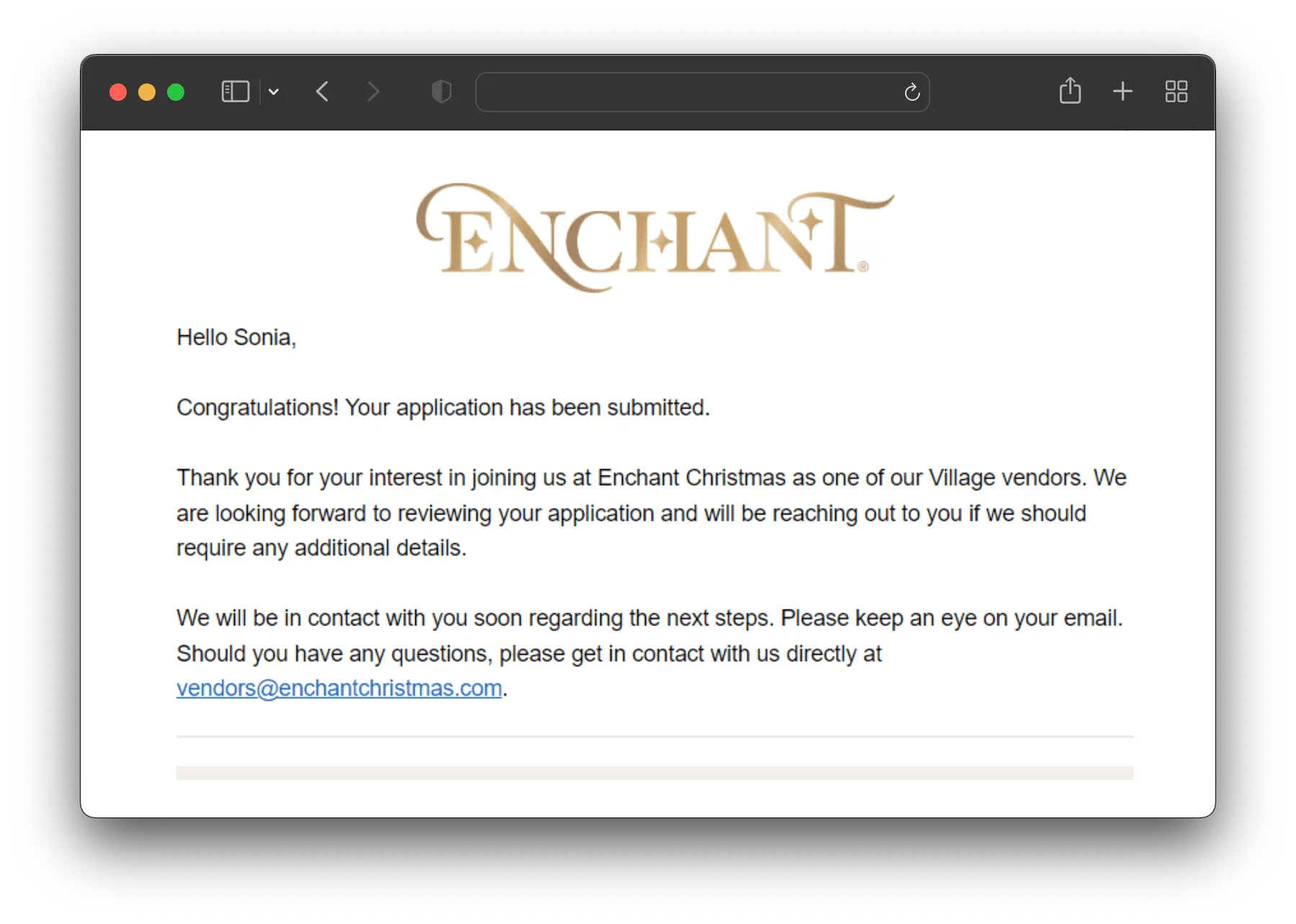
The early workflow used email notifications to keep vendors informed about application submission and next steps. In later stages, the team added broadcast messaging, direct chat, recipient counts, draft handling, search, unread markers, attachments, and mobile-friendly admin screens so operators could communicate with vendors from inside the portal.
Team
-

Mr. Igor Stuenko
Senior Frontend, Mobile & AI Developer
-

Mr. Oleg Sachuk
Backend developer
-

Mr. Oleh Sannikov
Full stack developer
-

Mr. Oleksandr Nashyvan
CEO
-

Mr. Philipp Sapronov
Frontend/Mobile developer
-

Mr. Ruslan Kolomiyets
Frontend developer
-

Mr. Sergey Vaschenko
Project Manager
-

Mr. Stepan Nasliedkov
Frontend/Mobile developer
-

Mr. Vladimir Mezin
Senior AI Backend Developer
-

Mr. Vladislav Stepanenko
Backend developer
-

Mrs. Yuliya Tkacuk
QA
Reporting and seasonal configuration
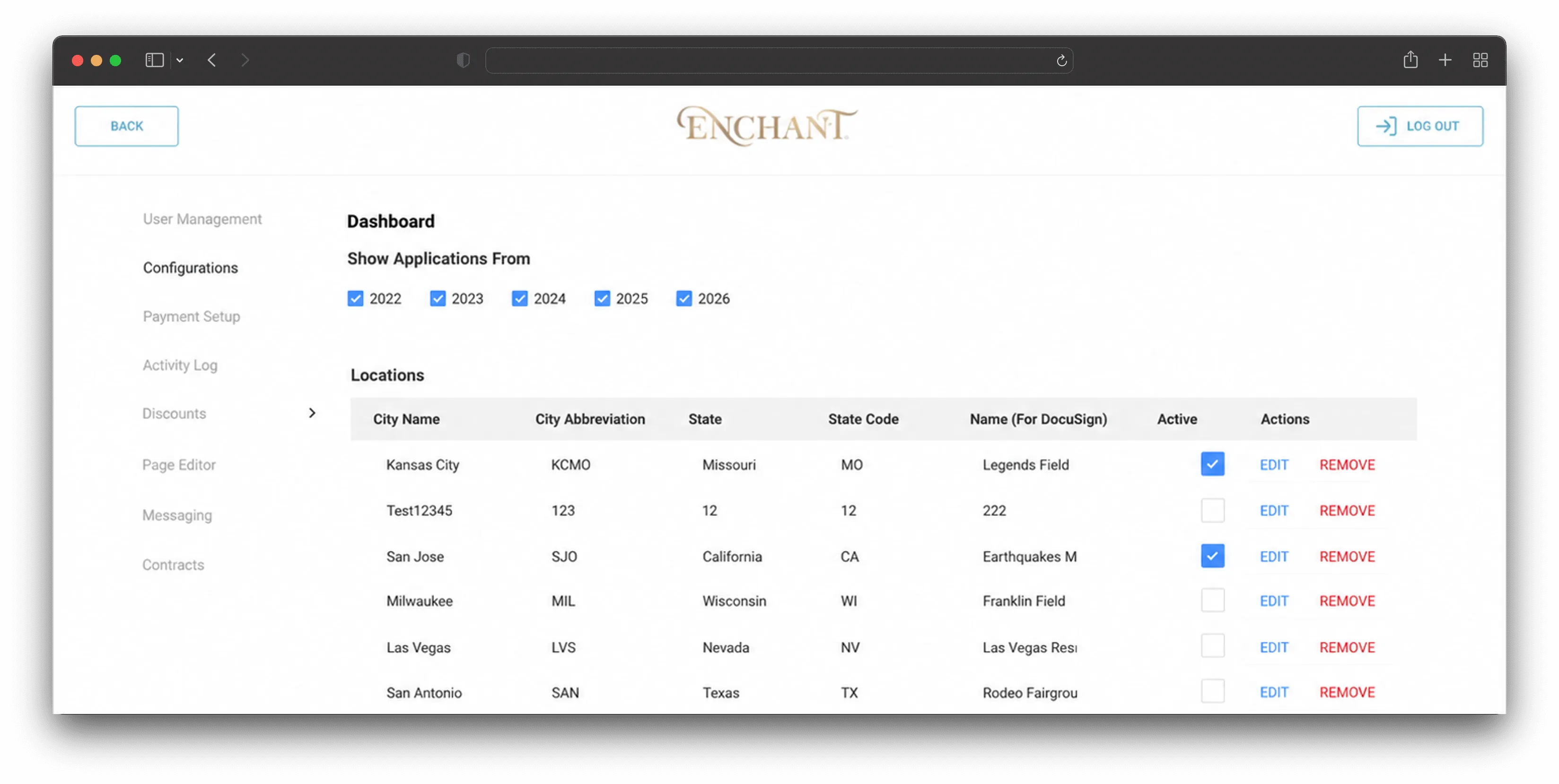
The admin side grew into a season-management tool rather than a static application list. The team added dashboard metrics, invoice and additional-payment management, customizable CSV downloads, promo codes, landing page editing, edited-date labels, year-based application filters, and manual vendor creation for operational edge cases.
Payments and invoices
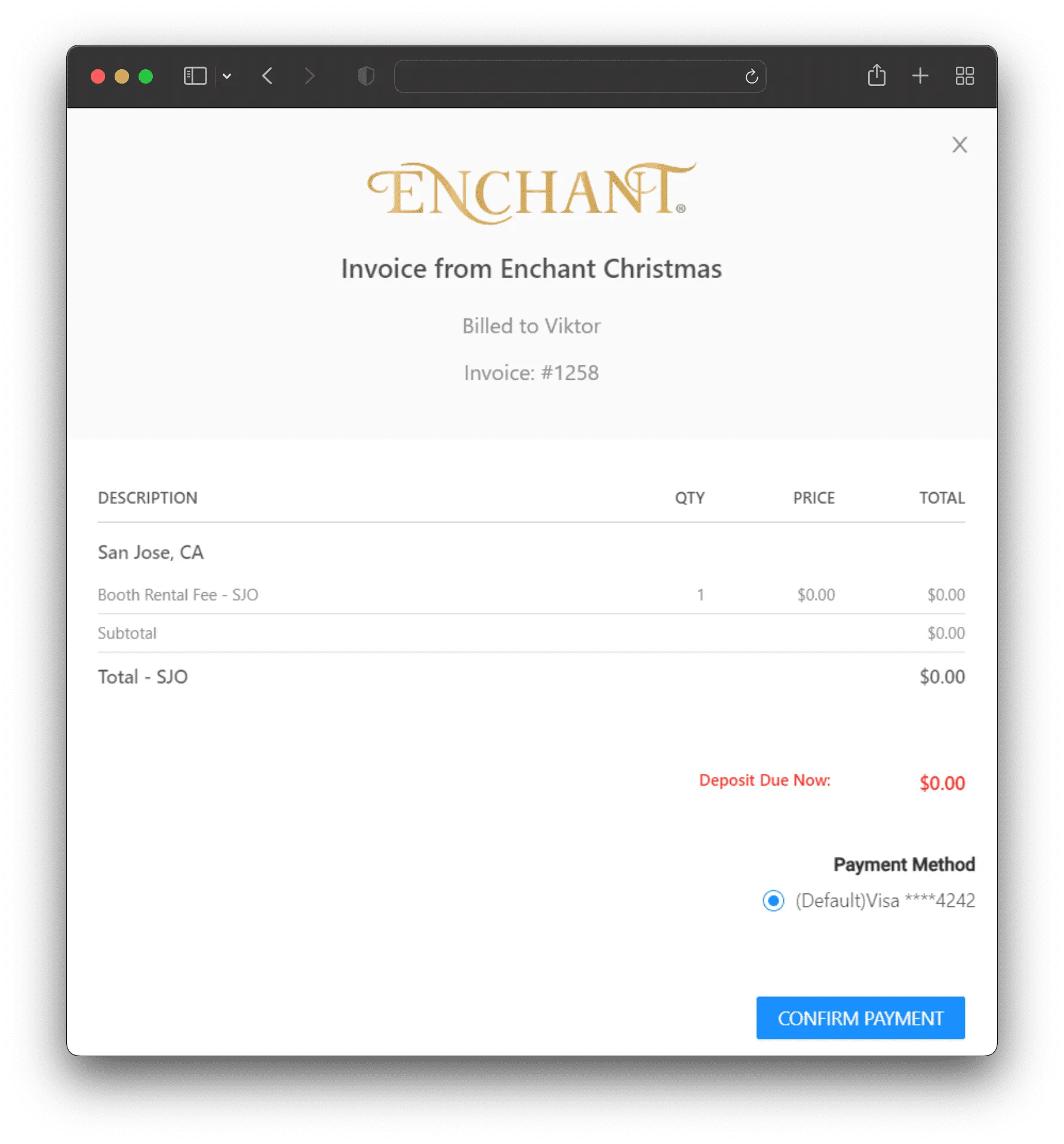
Vendor payments are handled online through invoice and payment flows tied to each application. Operators can manage application fees, deposits, remaining balances, extra invoices, external payment options for specific categories, payment dates, and reminder actions while vendors complete payments through the portal.

Highlights
The 2024 updates refined contract operations and added targeted admin actions for the next application season.
- Added contract downloads and improvements to the contract view.
- Added base-contract validation, template formatting, and copy-paste support across multiple pages.
- Added a manual create-vendor action for admin users.
- Added external payments for open food categories and new payment date controls.
- Added application actions such as marking vendors as all set, sending reminders, and managing multiple contract templates.
Vendor Portal VIII
The contract workflow moved deeper into the portal with configurable templates, previews, and approval actions.
- Added the contract creation setup and the new contract flow pages.
- Added editable contract templates with a customized text editor.
- Added template listing, view, edit, and menu actions.
- Added contract preview improvements and contract list filters.
- Added support for additional contracts and approve-and-send actions.
Vendor Portal VII
The team added direct communication tools so administrators could reach vendors from the portal instead of relying only on external channels.
- Added broadcast pages for sending announcements to selected vendor audiences.
- Added broadcast review, recipient counts, drafts, search, and status handling.
- Added a chat page for direct conversations with vendors.
- Built mobile navigation and mobile layouts for admin workflows.
- Added chat attachments, unread markers, filters, menus, and vendor detail views.
Vendor Portal VI
The 2023 season added more self-service controls for admins and vendors, especially around public content, discounts, and reporting.
- Added promo codes for waiving application fees.
- Built the landing page editor and loader flow for portal content updates.
- Added customizable CSV export settings and CSV download fixes.
- Added year-based application download filtering and edited-date labels.
- Improved invoice, discount, and price-range handling in admin workflows.
Vendor Portal V
The team extended the admin dashboard with stronger reporting, invoice handling, and payment visibility for operational teams.
- Added metrics to the admin dashboard for application and revenue tracking.
- Improved invoice management screens, payment editing, and payment status filters.
- Added full-capacity controls to payment setup.
- Expanded CSV exports with payment amount, payment status, and application fee fields.
- Added tools for resetting applications and keeping invoice calculations consistent.
Vendor Portal IV
The 2021 work focused on the admin review flow, vendor categories, and the tools needed to manage applications after submission.
- Added the review and approval system for vendor applications.
- Added vendor category management to the admin panel.
- Improved contract sending, reminders, and application cancellation states.
- Added confirmation modals and permission-aware admin actions.
- Added internal notes and additional invoice management for application follow-up.
Vendor Portal III
The next stage adapted the portal for a new application cycle and expanded the payment and contract setup used by the operations team.
- Reworked the vendor application form and aligned it with the payment portal flow.
- Added contract confirmation and clearer contract status handling.
- Expanded dashboard columns, action buttons, and payment breakdown views.
- Built admin payment setup for payment periods, locations, discounts, and add-ons.
- Added CMS-style configuration sections and support for additional payments.
Vendor Portal II
The team started the Vendor Portal as the operations workspace for managing fair vendor applications across Enchant Christmas locations.
- Built the first admin layout, authentication flow, and Firebase-backed vendor data access.
- Added vendor lists with pagination, filters, search, statuses, and location-specific views.
- Connected contract data and DocuSign envelope tracking to vendor records.
- Added payment method, payment amount, tax, deposit, and final-payment fields for application processing.
- Introduced admin roles, permission-aware screens, and activity logging for operational control.