One Source, Two Outputs: How We Assemble Client Documents Instead of Writing Them Twice
By Mr. Oleksandr Nashyvan · CEO ·
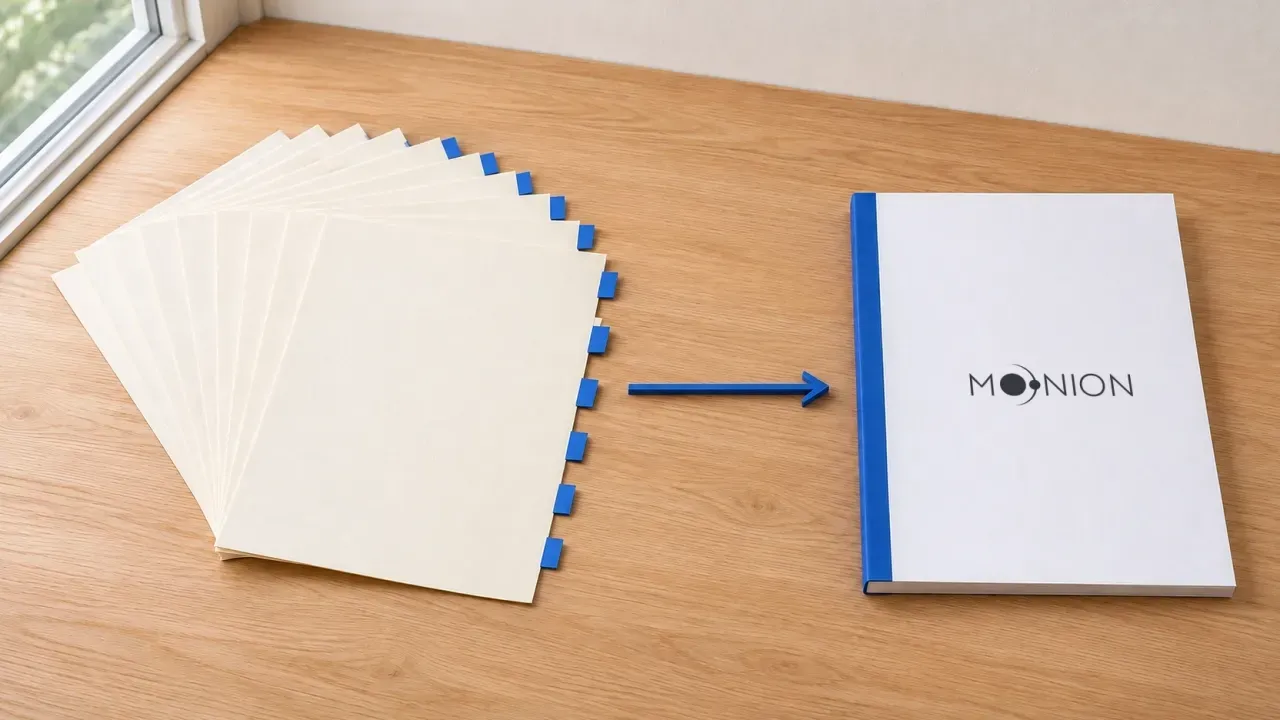
Many teams maintain two versions of a specification. One for the team, one for the client. They start as copies of each other, and within a few weeks they diverge. Someone updates the working document and forgets to mirror the change. The client reads something that no longer reflects what the team is building. Nobody can say exactly what was actually approved.
We solve this structurally rather than through discipline. The rule is simple: one source, two outputs. The client document is not written separately. It is assembled from the working documents by a script.
Inside the Project: Many Short Files, Not One Long One
The technical specification for a project is not a single large document. It is a main file and a set of shorter documents sitting alongside it, each covering exactly one topic. Scenarios, site structure, content model, catalog logic, inquiries and forms, backend, search, SEO, architecture, migration, design. When a topic grows beyond what fits cleanly in its file, it moves to its own document rather than getting appended to the bottom of wherever it started.
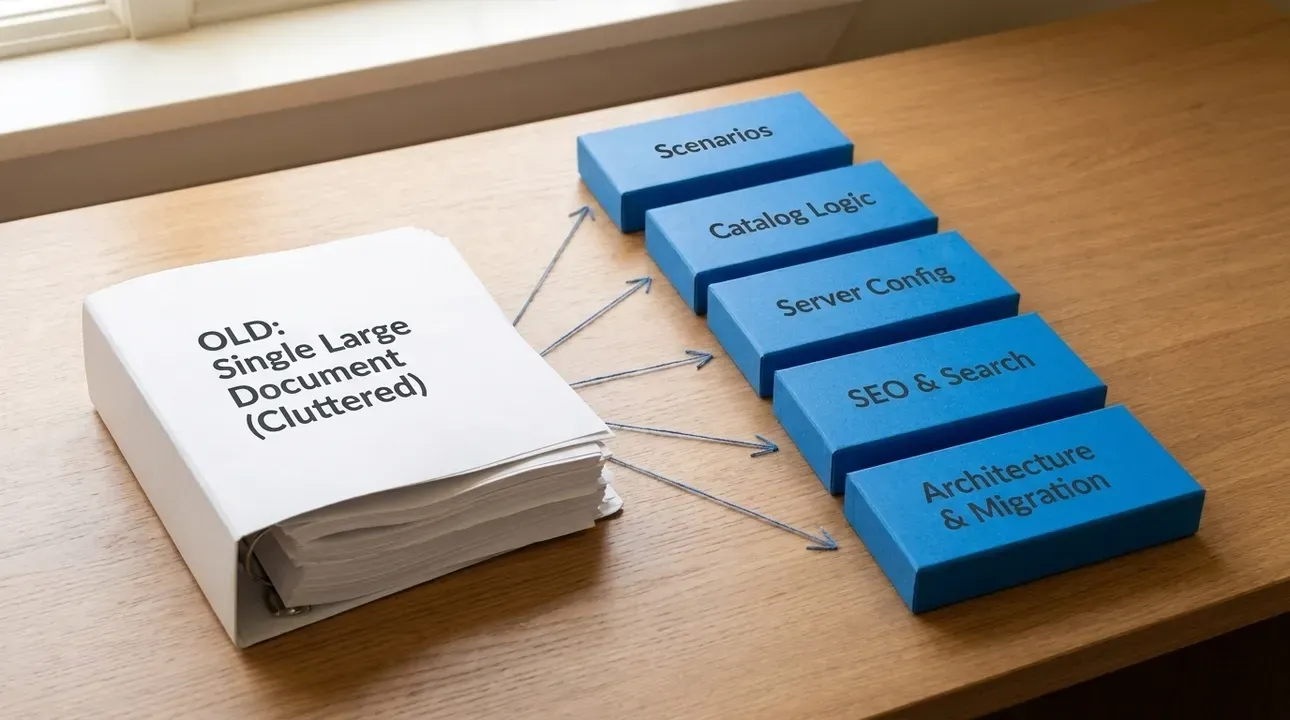
The rule is strict: one document, one topic.
This matters for two distinct reasons, and they are worth separating.
For AI agents, a structured spec is a working tool, not just documentation. An agent working on the delivery section does not need to load the full project. It opens one short file and the documents linked to it. The context stays small, which means the agent works faster and makes fewer errors from confusion between unrelated parts of the system. When context windows are limited and tokens cost money, this is not a minor optimization.
For the team, short thematic files are simply easier to work with day to day. A change to the payment logic is visible in one place. A review of the search configuration does not require scrolling past the design decisions. Each file is short enough to read in a few minutes and focused enough that edits in it do not get lost among hundreds of pages.
Almost every document also carries a service block at the top: when to read this file, when to skip it, and which related documents the reader or agent should open alongside it. This block is the navigation layer that makes the whole set work. The agent reads the block and finds what it needs. A team member opening a file for the first time knows immediately whether it is relevant to the task at hand.
Outside the Project: One Clean Document for the Client
A client does not need to know which file describes the delivery logic. They need to open one document, read it front to back, leave their comments, and approve it. They also do not need to see the internal structure that makes the working system function: decision codes, file paths, notes for agents, links to research exports and working calculations, traceability numbers for risks and work packages. That material is essential for the team and the agents. For the client, it is noise.
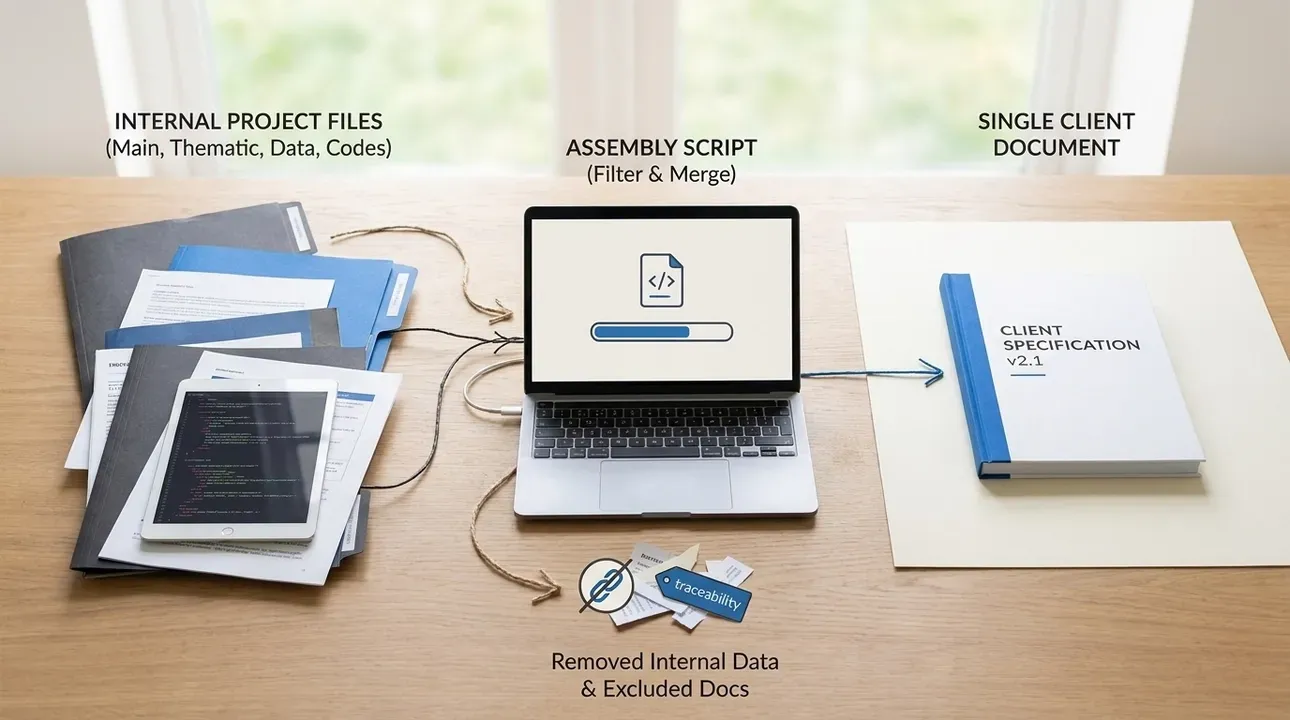
The assembly script handles the translation between these two needs. It merges the main file and the thematic documents into a single document with twelve appendices, ordered for a human reader with cross-references intact. Every edit goes into the working documents, and one command rebuilds the client version. Editing the client version by hand is pointless: the next build does not include those edits. At the same time, the script strips out everything the client does not need.
Specifically, the script removes the agent service blocks from the top of each document, cuts internal links to the decision journal and working plans while leaving the surrounding text intact, removes traceability codes and the version history, and excludes internal documents and sections entirely, such as the working estimate calculations. The client receives a separate, compact summary of scope, phases, and terms rather than the full working calculation.
The writing conventions in the working documents follow the assembly rules. When a decision code appears in a sentence, it is written as a parenthetical addition so that removing it leaves a complete sentence. If the code were woven into the sentence structure, its removal would leave a fragment. “Moved to a separate option (code)” becomes “Moved to a separate option.” But “moved to option code” would become a stub. This is a small discipline that keeps the output readable without manual cleanup.
The Assembly That Fails on Purpose
The most useful part of the system is the verification step, and it is intentionally unforgiving.
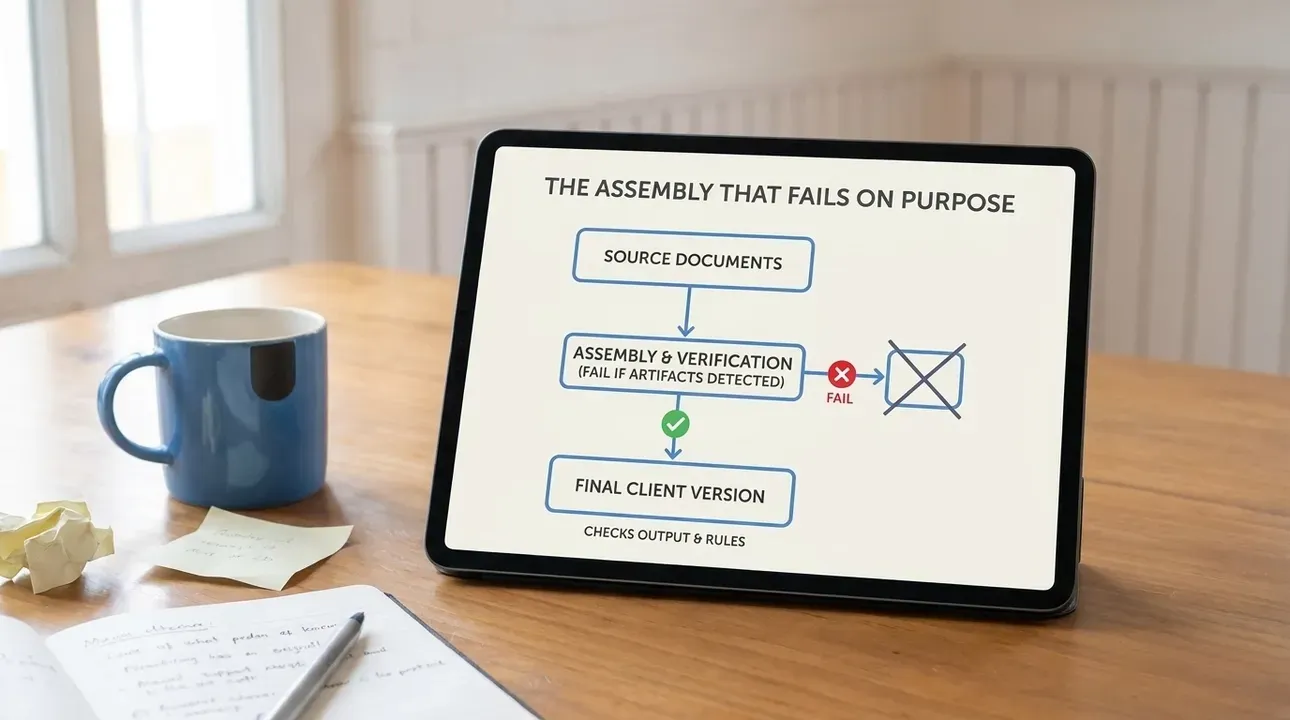
The script checks the assembled document against a list of things that must not appear in the client version: internal codes, service paths, personal names, names of internal projects. If anything from that list is present, the assembly fails. The document is not created. The client does not receive it.
This check runs against the output, not the sources. It does not matter where the leak came from: a new section written carelessly, a reformulation that broke the sentence structure, a link that was not marked correctly. If it shows up in the assembled file, the build stops and identifies what needs to be fixed.
The rules themselves are covered by tests. If a section is renamed and the script can no longer locate the block it is supposed to remove, the build fails and reports which rule broke. This keeps the system honest as the documents evolve. Anything on the list stops the build before the document reaches the client.
Version integrity follows the same logic. The version number in the assembled file’s name is taken from the document passport in the main file. If the passport and the last entry in the version history disagree, the build fails. This catches the case where the history moved on but the document still carries the old number.
Each version is assembled into its own file. A separate log records which version was sent, when, and where the client’s copy lives. When a client asks what they are currently reading, the log has the answer.
What the Client Actually Receives
When a new version is ready, the client receives two things: the document itself and a comparison against the previous version, with changes marked. The comparison is generated by the editor’s own diff tool, not by pasting a new version over the old one.
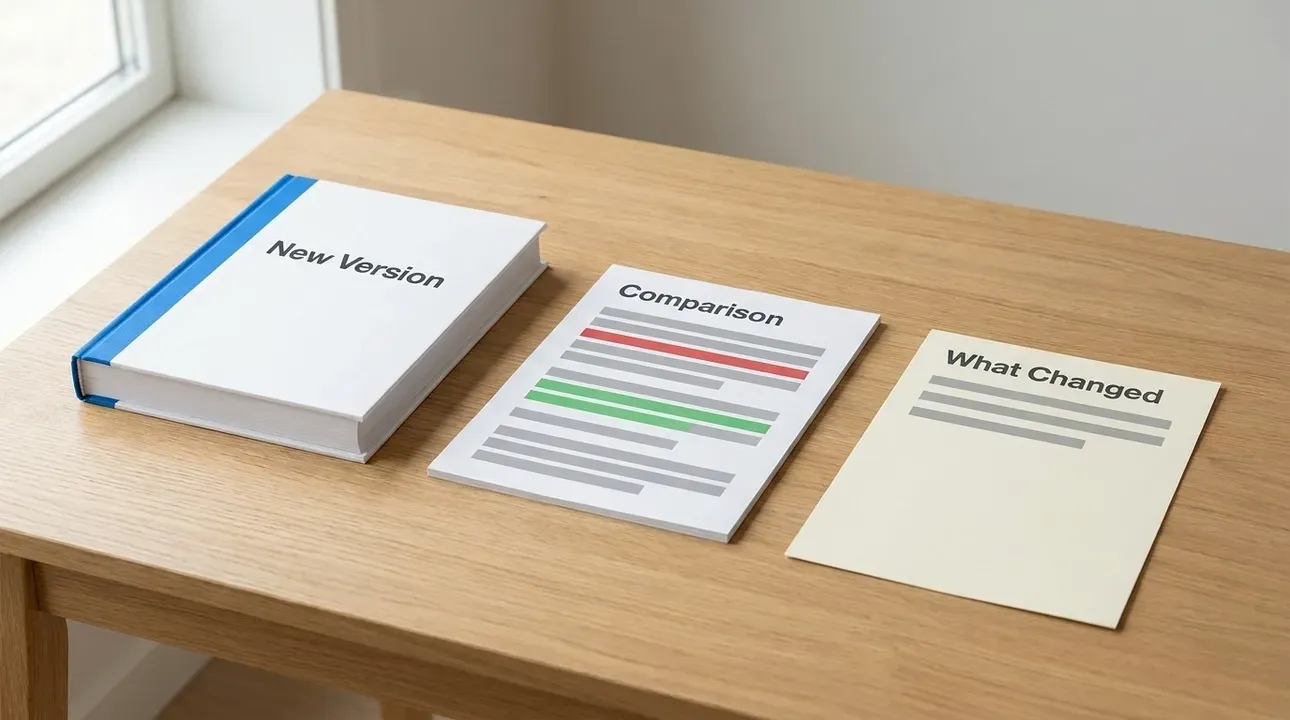
The distinction matters. When you paste a new version over the old one in a collaborative editor, the change history records one event: everything changed. The comparison becomes useless. When you send a true diff, the client sees exactly what moved and what stayed the same. They review the changes without re-reading the full document. The same version is accompanied by a short letter describing what changed in substance, separate from the mechanical diff.
The same assembly approach applies to other materials that go through client approval: the catalog tree with category contents and a breakdown of changes against the current site, and the brand list. Each is built by a script from working data rather than typed out by hand.
Where AI Fits In
The assembly script was written with AI, and so were its tests. But the main point is different. AI agents do most of the maintenance on the working documents, and they write the way agents write: service comments for the next session, internal references, structured annotations. Without assembly, that content would have to be cleaned manually before every client send. Manual cleanup fails eventually. Assembly lets agents write in the way that suits the work, while the client gets a document that is easy to read.
Keeping the decision history traceable without touching the spec itself is a separate discipline we covered when we introduced the decision journal. Assembly handles the other half of the problem: building the document the client reads from the same source the team works from.
The outcome is straightforward. The team and agents work with short, focused files, and the client receives one coherent document without the internal details. Each new version comes with a comparison, so the client reviews only the changes. If the client asks what changed since last time, there is a precise answer: a version number, a date, and a comparison.